
Move from Perforce without putting production on pause
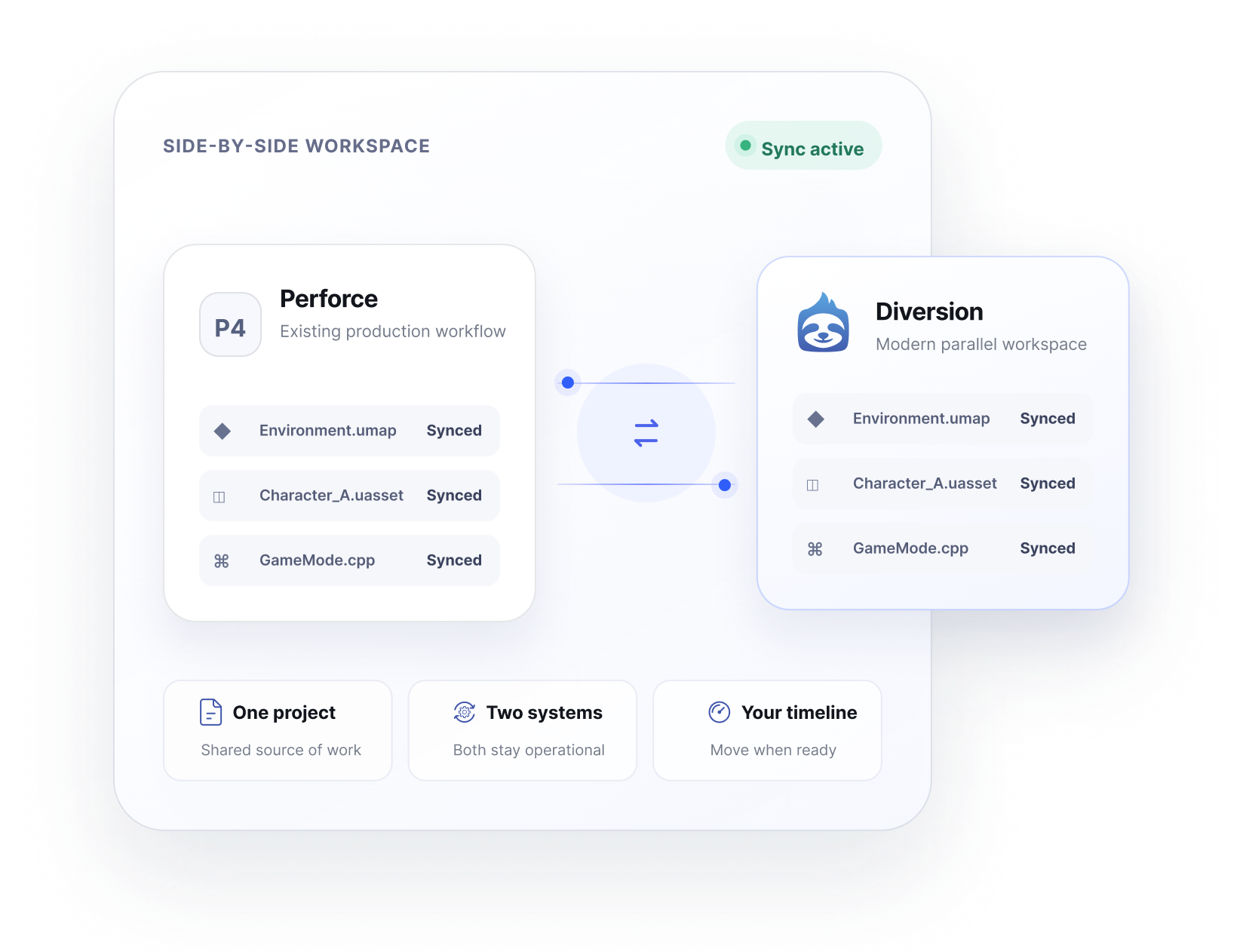
Run Perforce and Diversion side by side with continuous bi-directional sync. Your team can keep working, validate Diversion on the real project, and complete the move when everyone is ready.
Why side-by-side
A migration strategy designed around active production
Changing version control affects every person, asset, build, and integration in your pipeline. Side-by-side migration lets you reduce the operational risk without slowing the project down.
Keep production moving
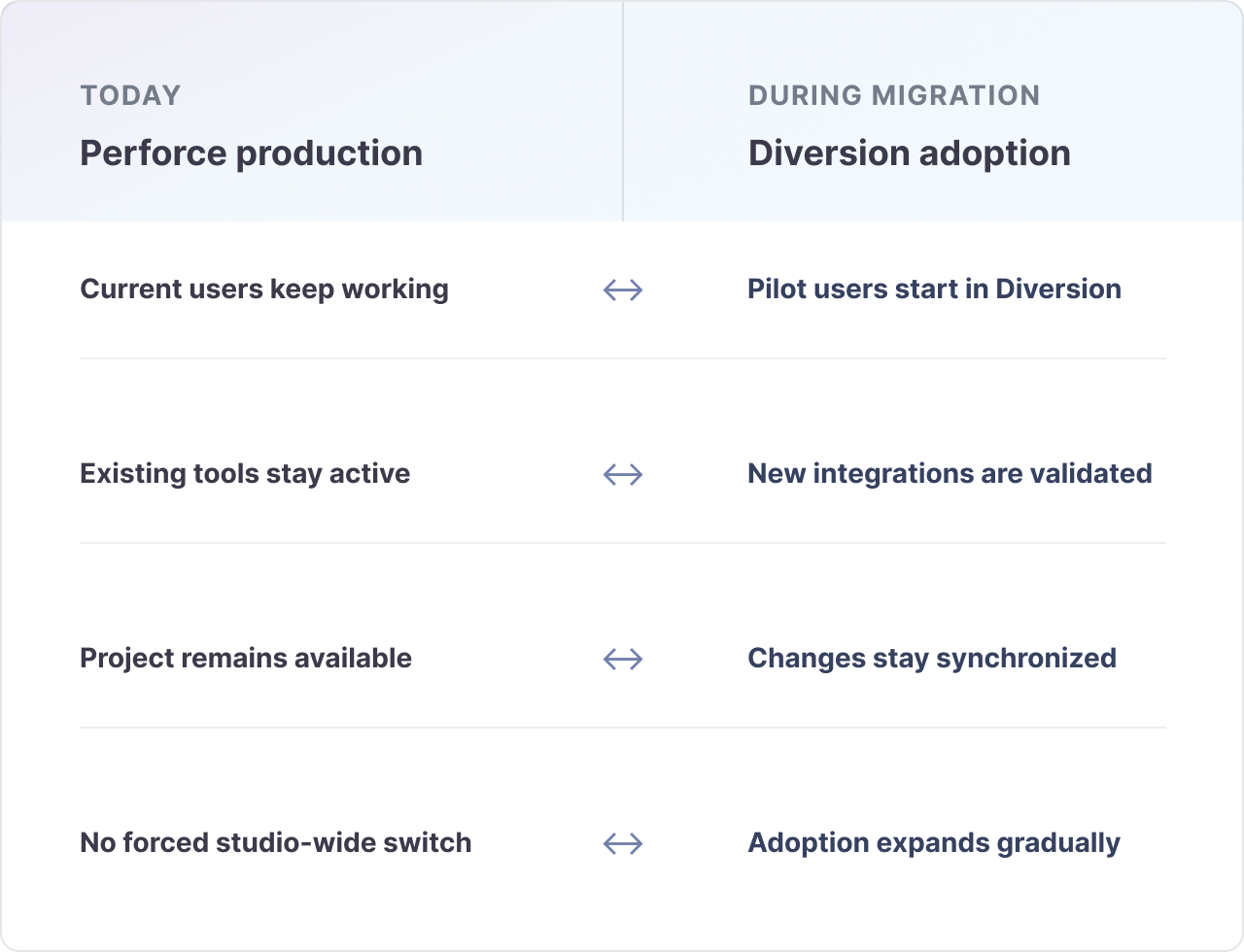
Your current Perforce users can continue their normal work while Diversion is introduced. Changes stay synchronized, so the transition does not require a studio-wide repository freeze.
Prove it on the real project
Validate Diversion with the repository, files, engine workflows, build systems, and collaboration patterns your team actually uses - not a simplified test project.
Move on your timeline
Start with a pilot group, a department, or a specific workflow. Expand adoption gradually, then make Diversion primary only after the team and pipeline are ready.
Built for production scale
Your depot is not too large to leave Perforce
Whether you are moving an indie studio's active depot or an AAA production environment, Diversion is built to handle the depot size, large binary assets, and update rates your team generates every day. Side-by-side synchronization is designed to keep pace while work continues across Perforce and Diversion.
Depot size
From focused projects to large production depots
Move asset-heavy repositories without treating scale as a blocker.
Update rate
Built for continuously changing projects
Keep up with frequent changes from active, distributed teams.
Studio scale
Indie, growing studios, and AAA organizations
Use the same gradual migration tactic at every stage of growth.
Connect the Perforce depot
Diversion is configured alongside your current repository. The existing production environment remains available while the synchronized Diversion repository is prepared.
Run both systems in parallel
Teams can work through either system while changes synchronize in both directions. Use this period to validate daily workflows, integrations, permissions, performance, and team onboarding.
Make Diversion primary when ready
Move additional users and workflows at a pace that fits the studio. Once adoption and integrations are complete, finish the transition on a planned milestone rather than an emergency deadline.
How it works
Connect. Validate. Complete the move
The migration becomes a controlled rollout instead of a single high-pressure event. Diversion works alongside the existing Perforce environment throughout the transition.
What the rollout protects
More than files need to survive a VCS migration
The practical challenge is not only copying a depot. It is preserving momentum while people, automation, and production habits adapt to a new system.
Existing pipelines can stay connected
Keep Perforce-dependent build systems, scripts, and internal tooling in place while you validate their future Diversion workflow.
Training happens in manageable groups
Onboard a pilot team first, establish best practices, and expand with experienced internal users already available to help.
Perforce remains an operational safety net
Onboard a pilot team first, establish best practices, and expand with experienced internal users already available to help.
Diversion vs. Perforce
Still comparing the two systems?
Explore how Diversion and Perforce differ across infrastructure, large-file workflows, branching, remote collaboration, administration, and total operational overhead.
Compare Diversion to PerforceStart your migration
Choose the path that fits your studio
Larger production environments can plan the migration with our team. Smaller studios, or teams that prefer to explore independently, can start the side-by-side setup directly in Diversion.
Plan the migration with us
For large depots, high update rates, multiple teams, or production-critical integrations, talk with our migration team. We will review your environment and help map the rollout around your pipeline.
We will use your email to follow up about the migration.
Start the setup yourself
Create a Diversion account, open your repository, and start the side-by-side Perforce setup from inside the app.
%20(1).gif) Create a Diversion account
Create a Diversion accountFrequently Asked Questions
Does everyone have to switch to Diversion at once?
No. The main purpose of the side-by-side approach is to let groups move gradually. Perforce and Diversion can remain active during the transition, so the rollout can follow your teams, milestones, and technical dependencies.
Can we test Diversion with our actual production repository?
Yes. Running the systems in parallel gives the team an opportunity to validate Diversion against real repository scale, large files, engine workflows, access patterns, and daily collaboration before the final switch.
Can Diversion handle the scale of our Perforce depot?
Yes. Diversion is built for studios ranging from indie teams to AAA organizations, including large, asset-heavy depots and the high update rates of active production. The side-by-side period lets your team validate performance with the real depot before completing the move.
Can repository history be included?
Diversion supports migration options that include importing Perforce depot history. Teams can also choose to begin from the current project state when a full historical import is not required.
What happens to our existing Perforce integrations?
They do not all need to be replaced before the migration begins. Side-by-side operation lets existing Perforce-connected tooling continue while each workflow is reviewed, adapted, or replaced as part of the rollout plan.
Does Diversion help with the migration?
Yes. Diversion provides migration tooling and hands-on support to plan the repository move, validate the workflow, and guide the transition toward a final cutover.