
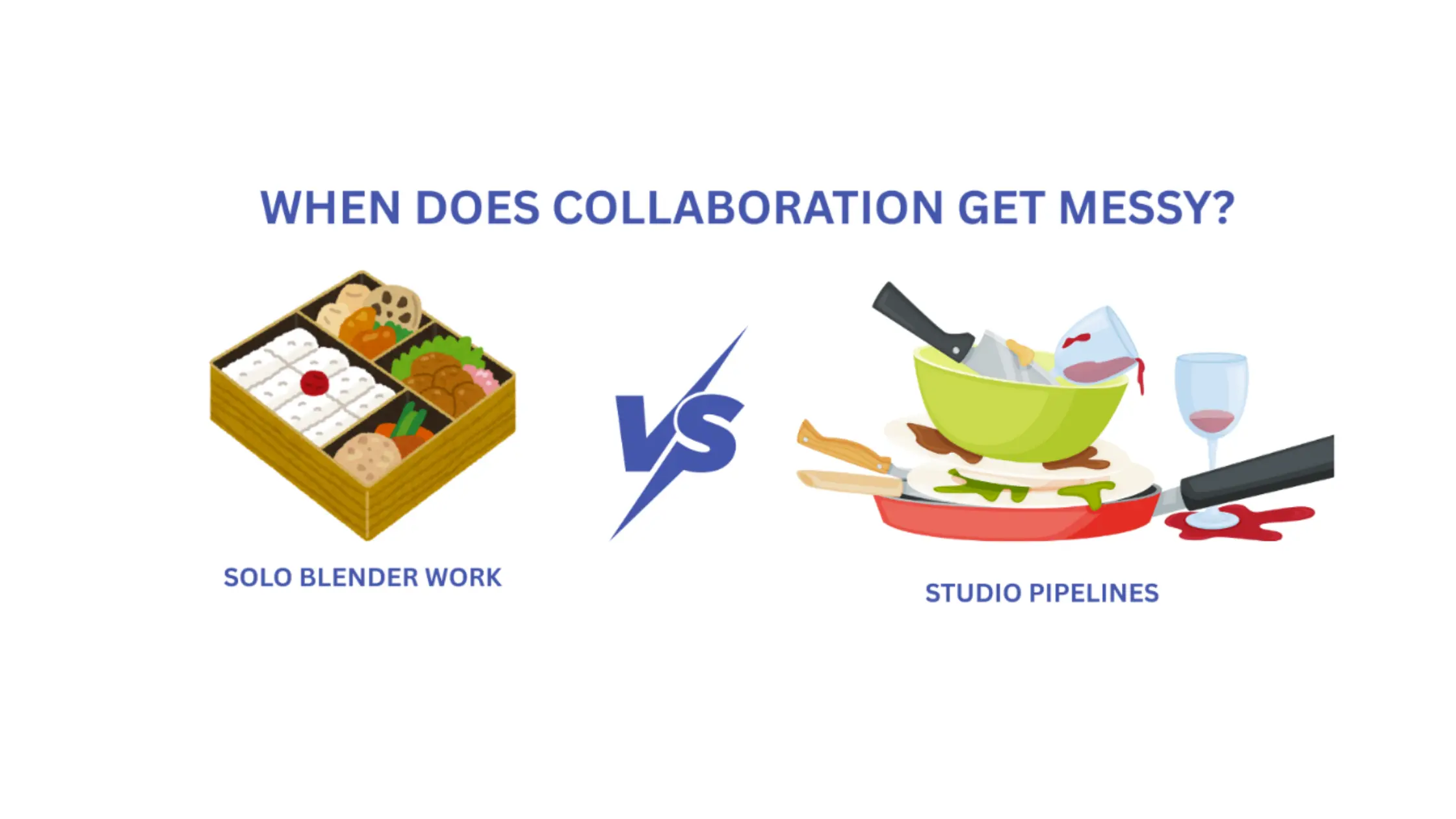

If you have been working solo in Blender for years now, your workflow probably feels fast, fluid, and creatively free. You open a file, experiment, break things, undo them, try again. No permission needed. No coordination overhead. Just you and your ideas.
Then one day, a second person joins the project.
That’s usually when things start to feel… heavier.
Not all at once. At first it’s subtle. A shared folder. A Slack channel. A quick “hey, don’t touch that file, I’m working on it.” But very quickly, collaboration introduces friction in places you never had to think about before.
And if you don’t notice it early, it compounds fast.
Solo workflows feel fast but teams introduce friction overnight
In solo Blender work, speed comes from simplicity. One file, one brain, one creative direction.
In teams, that simplicity disappears almost instantly.
Suddenly you’re seeing files named things like:
- environment_final.blend
- environment_final_v3.blend
- environment_final_v7_really_final.blend
People start copying files “just in case.” Changes overwrite each other. No one is quite sure which version is safe to open. The creative flow slows, not because people are less talented, but because the workflow itself isn’t designed for collaboration.
The first signs your pipeline is breaking
Most teams don’t realize they have a pipeline problem until they’re already deep in it. The warning signs are behavioral:
- Artists hesitate before opening someone else’s .blend file
- Work gets coordinated manually in Slack or Discord
- People reserve “time slots” to avoid conflicts
- Experimentation drops because breaking something feels risky
At that point, collaboration isn’t enabling creativity but rather actively suppressing it.
Why file sharing ≠ collaboration
Many small teams try to solve collaboration with tools like Dropbox, Google Drive, or shared network folders. These tools are great for distribution. They’re terrible for coordination. Here’s why:
- No real visibility into who’s working on what
- Sync conflicts are handled after the damage is done
- Manual merges for binary files are basically impossible
- Accidental overwrites are easy and often silent
File sharing answers the question “where is the file?”
Collaboration answers “who changed what, when, and why, and how do we recover if something goes wrong?”
The asset problem: Blender files don’t play nice
Blender files are heavy, binary, and opaque. That’s not a criticism, it’s reality.
Binary formats:
- Can’t be merged line-by-line
- Don’t offer meaningful diffs
- Tend to lock entire assets even for small changes
This means one .blend file can block an entire team. Version history becomes a list of timestamps instead of a story you can actually understand. And the larger your scenes get, the more painful every mistake becomes.
“Just use version control” isn’t helpful advice
At some point, someone suggests version control. That’s when many artists check out mentally.
- Git feels intimidating and developer-centric
- Git LFS often feels fragile at scale
- Perforce feels rigid, expensive, requires high-maintenance and scary to touch
These tools were designed primarily for code, not for artists moving large binary assets. When they’re introduced without the right setup or expectations, they can feel like yet another obstacle instead of a solution.
What artists actually need from version control
Artists don’t want complexity. They want confidence.
In practice, that means:
- Fast syncs, even with large assets
- Protection from accidental overwrites
- Clear ownership and readable history
- The freedom to experiment without fear
Good version control should fade into the background. It should support creativity, not dictate it.
What modern collaboration should look like
Healthy pipelines share a few traits, regardless of team size:
- Real-time awareness of who’s touching what
- Non-blocking workflows that don’t force waiting
- Automatic conflict prevention instead of manual policing
- Tools that don’t require a DevOps degree to operate
When collaboration works, artists stop thinking about the pipeline altogether - and this is exactly where we want them to be!
Blender doesn’t live alone anymore
In many studios, Blender is just one part of a larger production stack.
Assets flow from Blender into game engines like Unreal or Unity. Multiple teams - art, tech art, level design, may touch the same files at different stages. What worked for a single artist quickly collapses under production pressure.
The earlier you think about collaboration, the easier this transition becomes.
The key takeaway
Collaboration is a pipeline decision, not a tool you bolt on later.
The earlier you design for it, the less painful it is, and the more creative freedom your team keeps as it grows. The right workflow doesn’t slow artists down. It protects their ability to explore, iterate, and create without fear.
Tools like Diversion are emerging specifically because of the gap between how artists actually work and how traditional version control tools were designed.
Diversion was built with asset-heavy creative workflows in mind: Blender, Unreal, and other game engines, virtual production, where files are large, binary, and constantly changing hands. The goal isn’t to turn artists into DevOps engineers, but to make collaboration feel safe, fast, and invisible.
For teams that have outgrown shared folders but aren’t ready to sacrifice creative freedom for rigid processes, this new generation of artist-first version control is worth paying attention to.
Because at the end of the day, the best collaboration tools are the ones you stop noticing, and just keep creating.


